
A little Christmas together
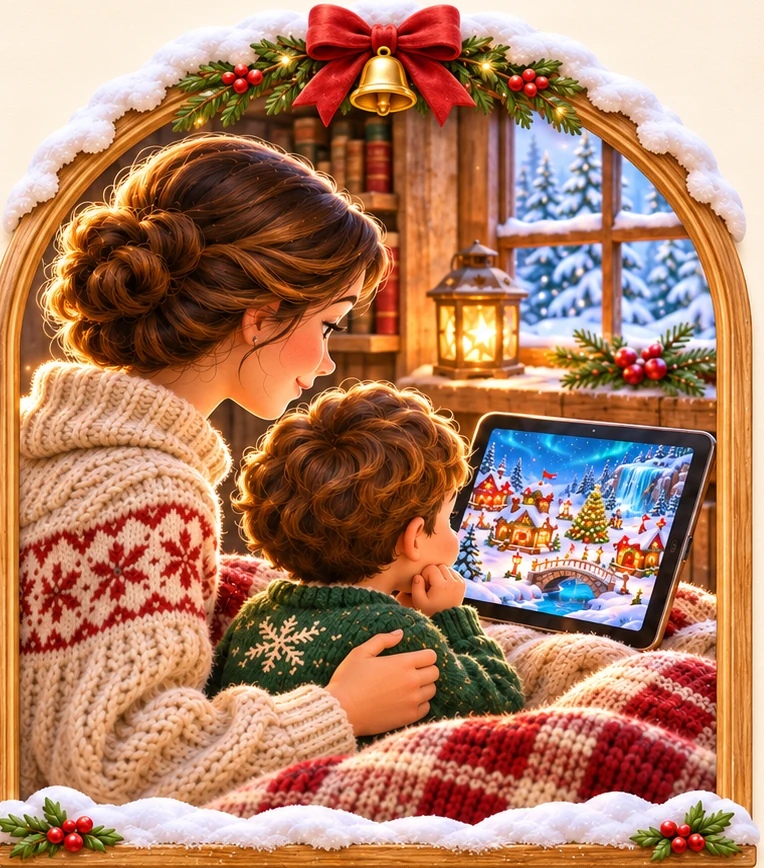
A snowy village to explore at your family’s pace.
How it works
Start in the village
Open the map together and choose a numbered window. Each stop has its own little surprise.
Make it theirs
Let them pick an outfit, build a tune or make their reindeer dance. You can try all three from the Games page.
Come back when it suits
Play one game or peek at a few. The local village remembers its sample profiles and their saved creations in this browser.

Parent questions
Where should we start?
Open Explore for the map or Games for four short samples. The playable village has 24 windows. You can visit together and stop any time.
Can we turn sound and movement down?
Yes. Choose Turn sound off in the tune preview. Open Sound in the village to adjust the music, effects and movement.
Do we need to give a child’s name?
No. Use a pretend name or leave it blank. Use fictional details throughout this preview, including on the Christmas card.
Where are our choices saved?
The demo village remembers choices in this browser. Account saves across devices are being prepared. The Privacy page explains what resets, what a grown-up can remove and how to ask for help.
How much is a pass?
The public village preview is free to explore. Season passes and personalised film orders are being prepared.
When do we sign in?
You can open the village now. The preview uses this browser to remember your choices. Account sign-in is being prepared.
What if a pass or Santa video doesn’t work?
Email davidrduch@gmail.com. If you have an order reference, you can include it. The Refunds & consumer rights page explains how we would handle a problem with a real purchase.
Help for your family
Contact us for help with access, privacy or a complaint. See International rights & regulators for official contacts by country.